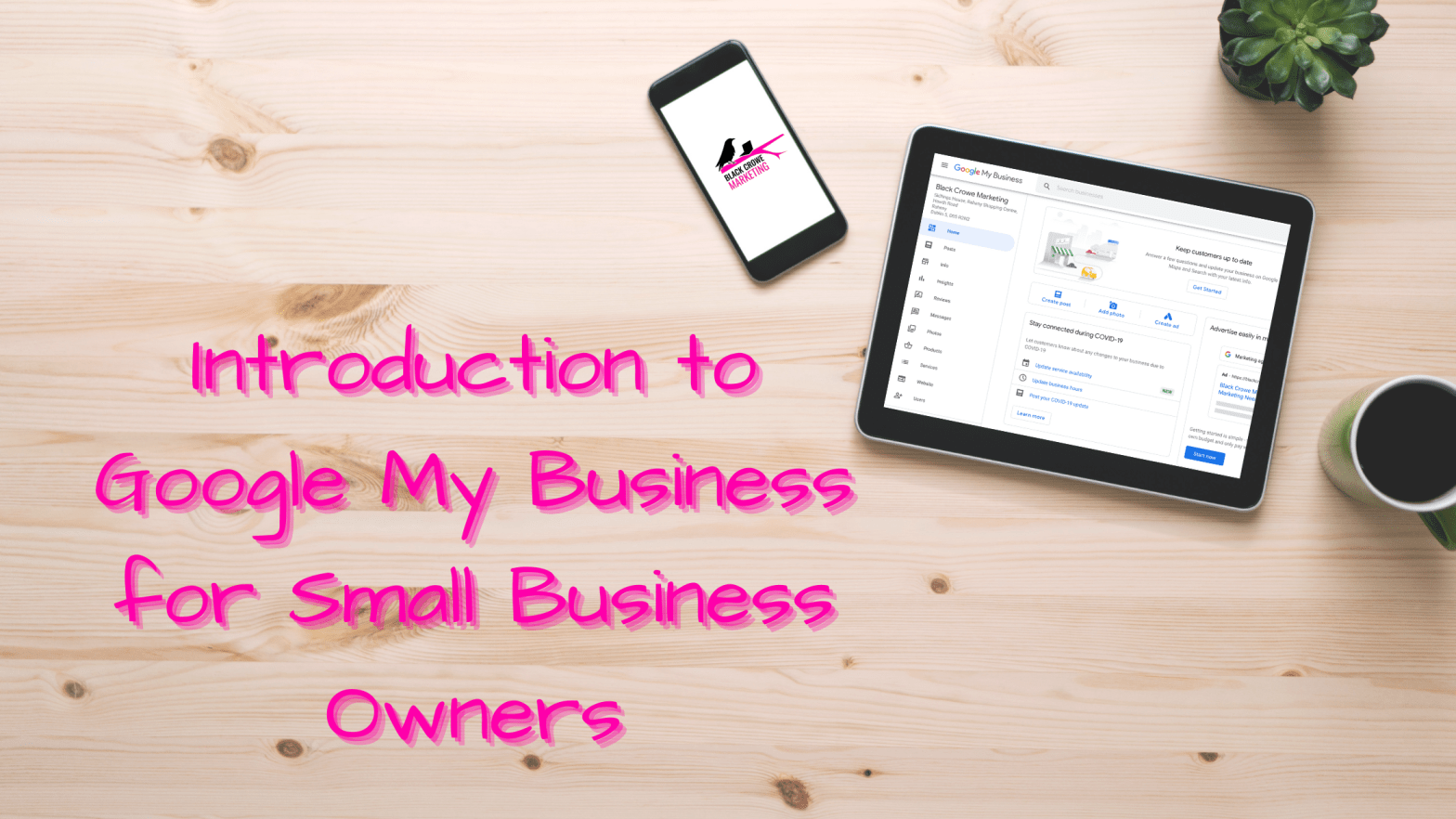
Google My Business is a free, must-have tool for any small business owner looking to amplify their online presence.
First things first, what is Google My Business?
Google My Business allows you to list your business and gives you the opportunity to show on a number of different searches. A Google My Business (GMB) listing gives customers, and potential customer, essential details about your business, including opening hours, address, contact details, a direct link to your business, directions (via Google Maps), customer reviews and more. Having a GMB listing adds credibility to your business online and makes it easier for customers to find and contact you.
Google My Business attracts new potential customers online by categorizing your business based on location, so when a customer searches for “X near me”, you are more likely to appear.
How do I set up Google My Business?
One of the best things about Google My Business is the easy-to-use interface – meaning that no technical skills needed! To access GMB to claim your business listing, visit https://www.google.com/business/. Click on the blue ‘Manage Now’ button and follow the prompts to set up your business listing online.
How to get the most out of your Google My Business Listing
1. Be Thorough
Fill out your Google My Business listing as comprehensively as possible. Add as much information as you can, including logo, the area you serve, your hours, attributes (e.g. “wheelchair accessible,” parking/public transport information, payment types accepted), the day and year you opened, and a public phone number and website. According to Google, businesses with photos see 35% more clicks to their website and 42% higher requests for driving directions in Google Maps, so don’t forget to include images.
2. Check Your Account Regularly
This is one of the annoying things about Google My Business listings, but you can stay on top of it once you’re aware. Anyone can “suggest an edit” to your listing, so it’s essential to:
a. get everything right the first time (so you don’t encourage random people to make their changes)
b. periodically log into your GMB account and make sure all the details look right. (I had one client where the location marker kept moving, so it’s important to check regularly)
c. update operating hours during holidays
It’s for this reason we recommend all small businesses claim their Google My Business listing as early as possible – even before you launch if possible!
3. Monitor Your Reviews

A vital consumer feature in Google My Business is the ability for customers to share reviews of their experience. This feature is a valuable tool for small business owners as it helps attract new customers based on previous customer feedback. Like all review sites, it’s critical to remain responsive to GMB reviews, particularly if they’re negative.
4. Measure Performance
Google My Business can help you gain insights into your business, including:
• The number of profile, post and photo views
• Search queries customers used to find your business
• Audience demographics (age, gender and location)
• Number of website clicks, phone calls and direction queries

5. Use Google My Business Posts
Google My Business posts are a great feature that allows you to create a post that displays almost like a mini-ad on your GMB listing. There’s no charge for posts, but they can make your listing much more eye-catching.
6. Use the Booking Button
If your business offers bookings or appointments, this is definitely a feature you’ll want to enable. The booking button allows customers to book appointments directly from your Google My Business listing.
Hopefully, this has helped you feel more confident about setting up your Google My Business account. However, if you’d like our help, contact us today!